Reading Your Electricity Meter With Solar: What the Numbers Actually Mean
When you install plug-in solar, your electricity meter behaves differently. Here’s what the readings mean, how to track your savings, and what a smart meter can tell you that an old meter cannot.
Installing plug-in solar changes your electricity meter’s behaviour in ways that can be confusing at first. The disc that used to spin at a steady pace now slows down on sunny days. Your monthly meter reading is lower than you expected. Your smart meter’s in-home display flickers between import and export figures you have not seen before.
Here is what is actually happening, and how to read what your meter is telling you.
What your meter measures
An electricity meter measures the electricity you import from the grid — what you buy. It does not measure what you generate from solar.
When your plug-in solar panels are generating electricity, that electricity feeds into your home’s circuit and is used by your appliances. The meter sees only the net flow: how much more electricity is coming from the grid than going back.
On a sunny midday, with your panels generating 600W and your home consuming 800W total, the meter sees only 200W of net import. It ticks over much more slowly than it would without solar.
Analogue meters: the spinning disc
If you have an older analogue (Ferraris) meter with a spinning disc, you may notice:
- The disc spins more slowly on sunny days when your panels are generating
- The disc may stop completely when your solar generation exactly matches your consumption
- The disc may spin backwards when your solar generates more than you consume — this means you are exporting to the grid
The backwards-spinning disc situation is worth flagging. Current UK regulations require meters that do not run backwards (or smart meters that handle export separately). If your disc is spinning backwards, you are technically getting an unintended credit — your import total is being reduced faster than it should be, because exported electricity is being netted off against your import. This is not permitted, but it is also not uncommon in older properties. Your energy supplier may eventually upgrade your meter; if you get a smart meter installed, it will handle the accounting correctly from that point.
Smart meters: import and export separately
A smart meter records import and export on separate registers. When you are self-consuming all your solar generation, the export register stays at zero and only the import register changes (more slowly than without solar). When you briefly generate more than you consume, the export register ticks up by a tiny amount.
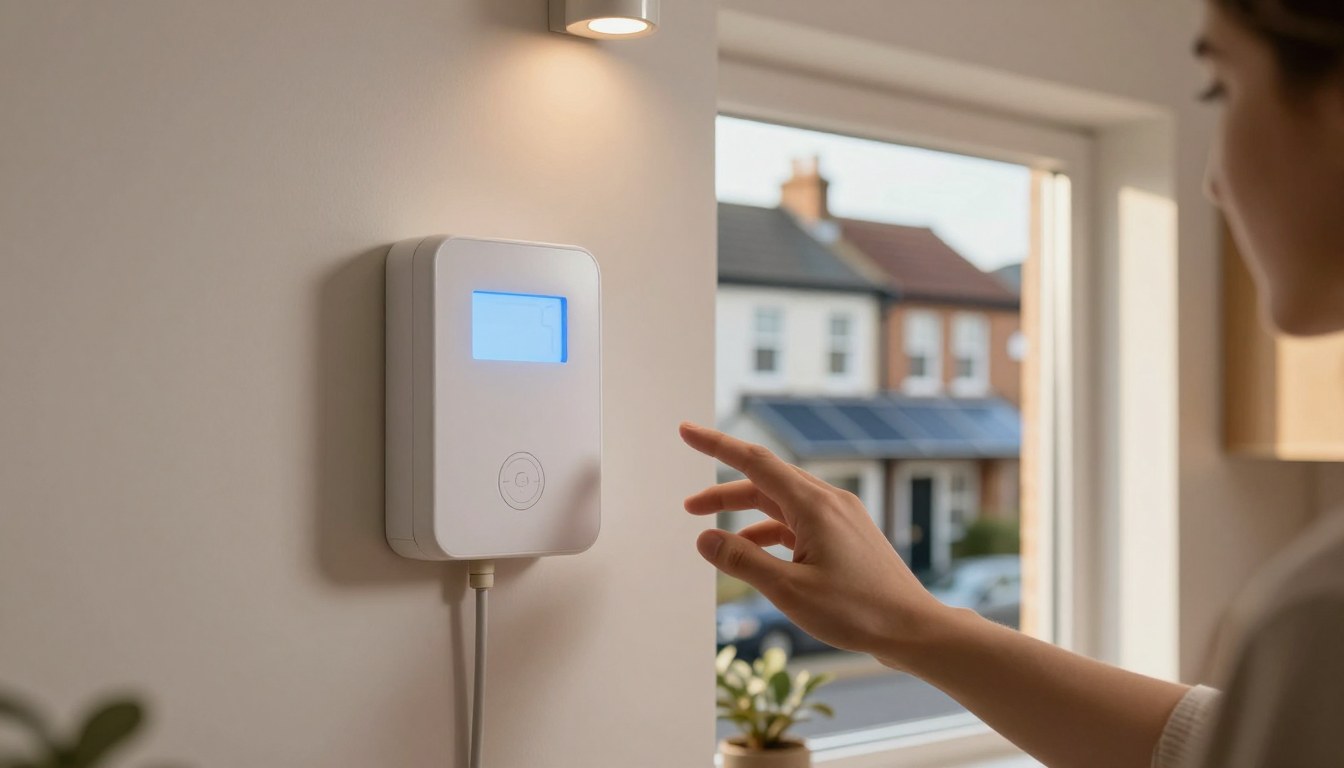
Your in-home display (the small screen that smart meters come with) typically shows:
- Current import or export in real time (kW)
- Daily import total (kWh)
- Some displays also show the current electricity rate
For plug-in solar users, the most useful thing to watch is the real-time figure. When your panels are generating and your home has moderate loads running, the display should show a low import figure (less than normal). When a heavy load comes on (kettle, washing machine start), the import figure jumps up. When the load finishes and solar is still generating, it drops again.
This is a direct visualisation of your plug-in solar working.
How to calculate your savings from meter readings
Your solar kit’s monitoring app tells you how much electricity you have generated. But what you actually saved is the portion you self-consumed — which is not directly shown anywhere.
A simple method using meter readings:
-
Before installing solar, note your average monthly meter reading increment. For example: 350 kWh per month.
-
After installation, check your meter reading monthly at the same date.
-
If your meter reads 310 kWh this month (versus the expected 350 kWh), you have saved approximately 40 kWh from the grid.
-
Cross-reference with your solar app: if the app shows you generated 60 kWh this month, your self-consumption rate was roughly 67% (40 kWh used of 60 kWh generated), with the remaining 20 kWh exported.
The month-on-month comparison works best when controlling for season. February with solar versus February without solar is a fair comparison. February versus July is not — you use different amounts of electricity and generate different amounts of solar in each.
What changes with a time-of-use tariff
If you are on Octopus Agile, Economy 7, or another time-of-use tariff, your meter (usually a smart meter) records consumption in different time slots. This is important for plug-in solar because:
- Your solar generation during the day offsets daytime consumption, which you would otherwise buy at the standard (often expensive) rate
- Your evening consumption continues to come from the grid — but if you are on Agile, you can shift this to cheap overnight slots
- The combination of daytime solar and overnight cheap rate can reduce your effective electricity cost significantly
Check your in-home display or your supplier’s app to see how much you are importing in different time periods. If you are successfully combining solar and Agile, your midday import should be very low on sunny days.
Generation meters: do you need one?
A generation meter records how much electricity your solar system produces, separately from what your home consumes. For the old Feed-in Tariff scheme (now closed to new applicants), a generation meter was required to prove export volumes.
For current plug-in solar users, a generation meter is not required. Your solar kit’s built-in monitoring (the app that comes with your inverter) serves as a generation record. If you register for the Smart Export Guarantee (SEG) — which requires a smart meter — your export is recorded by the smart meter.
For most plug-in solar users, the monitoring app is sufficient. Install it, set it up, and use it to track your generation.
Practical tips
- Take a photo of your meter reading on the day you install your solar panels. This gives you a clean baseline.
- Read your meter at the same time of day each month to make comparisons meaningful.
- Note sunny versus cloudy months when comparing — a month with more sun generates more solar, and you expect a bigger saving.
- If you get a smart meter installed after your solar, the transition is straightforward — the new smart meter records from day one and your supplier handles the switch.
Your meter is telling you exactly how much grid electricity you are buying. Solar reduces that number. The difference is your saving.